Send Your BOQ / Get a Quote

Selected Project Cases

Global Building Material Projects in Real Project Contexts

Explore villas, apartments, renovations and commercial interiors by location and material scope. Open a case to review the rooms, products and requirements relevant to your own material package.

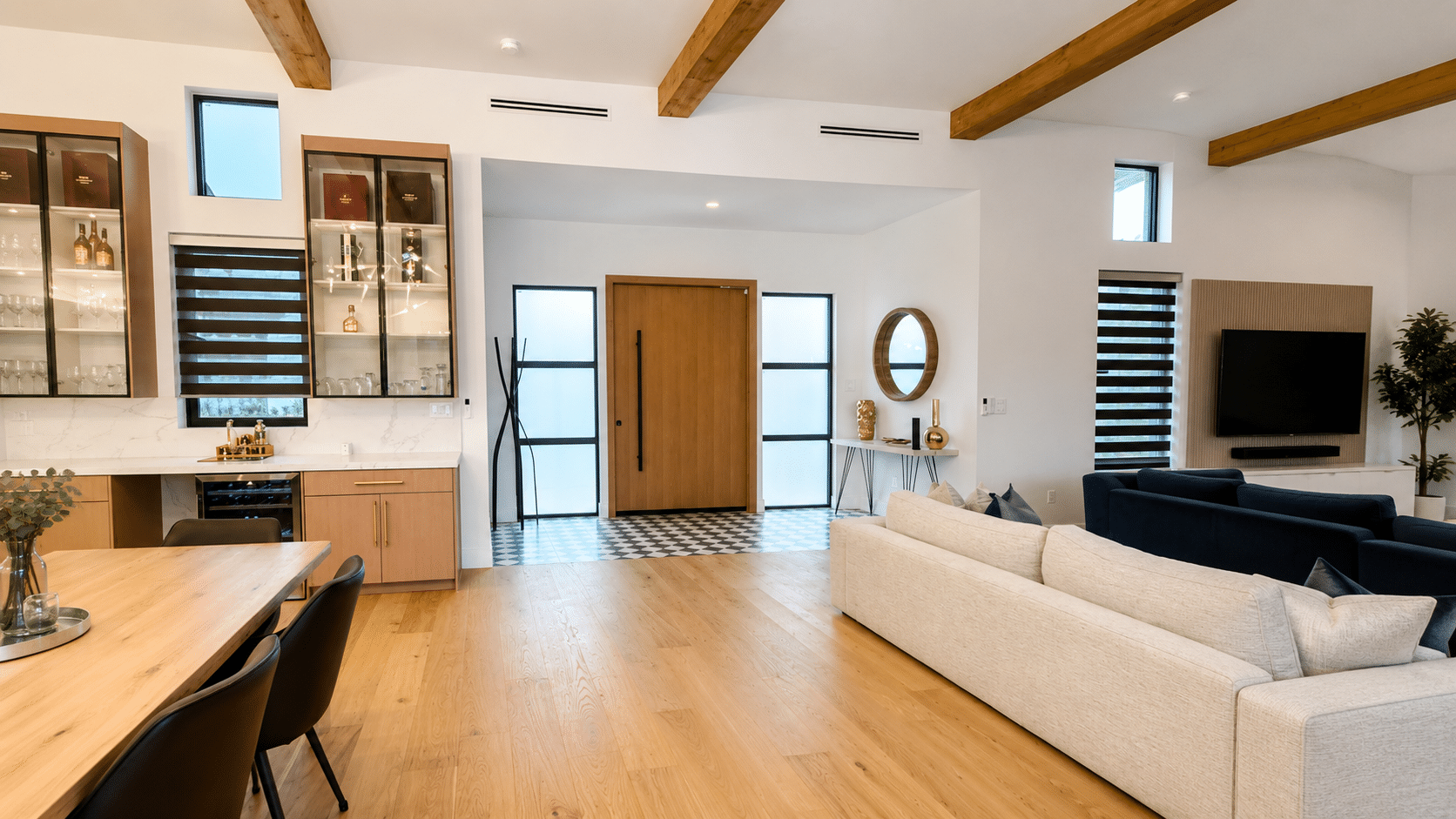
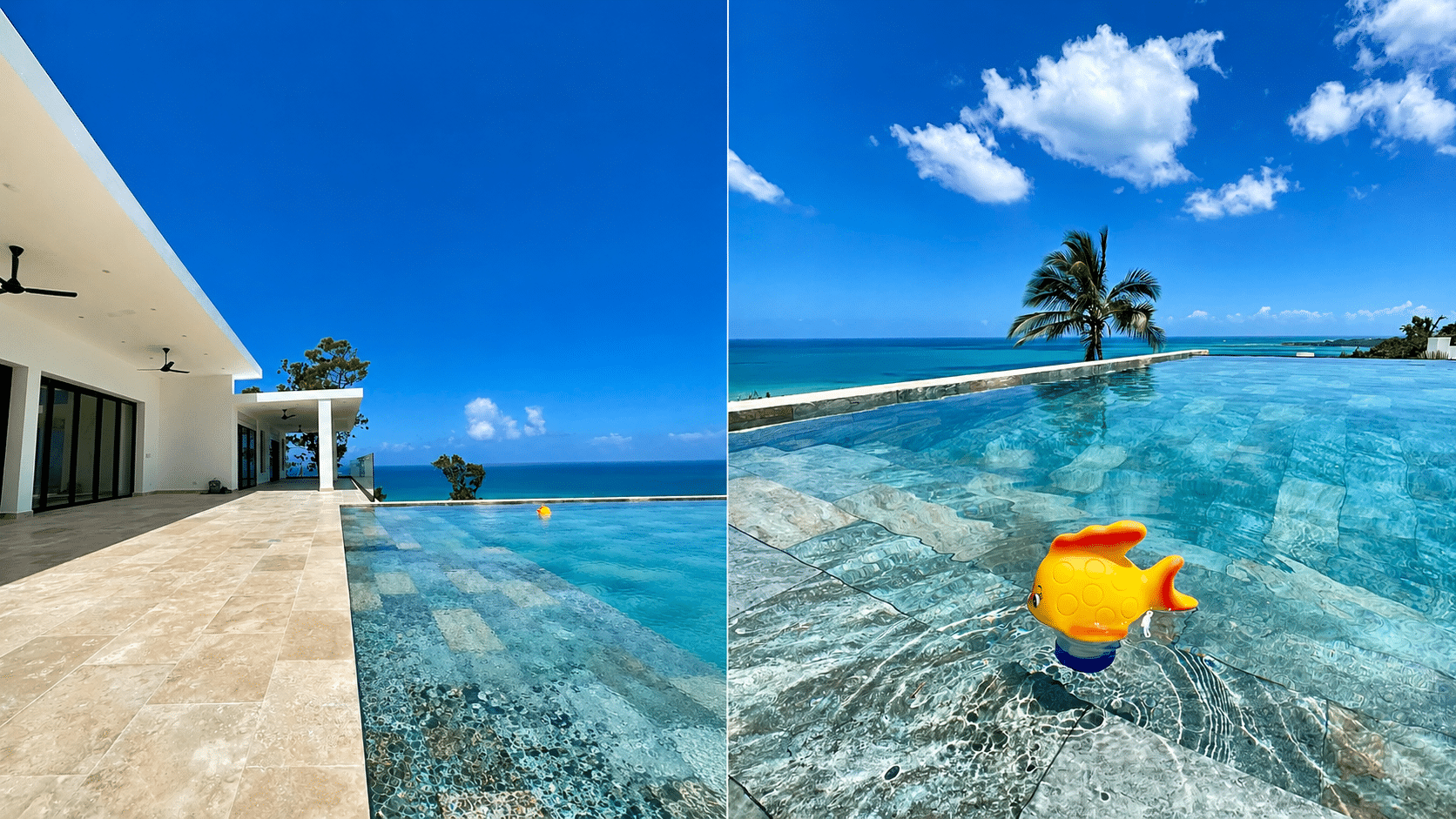
01Villas & Private Homes
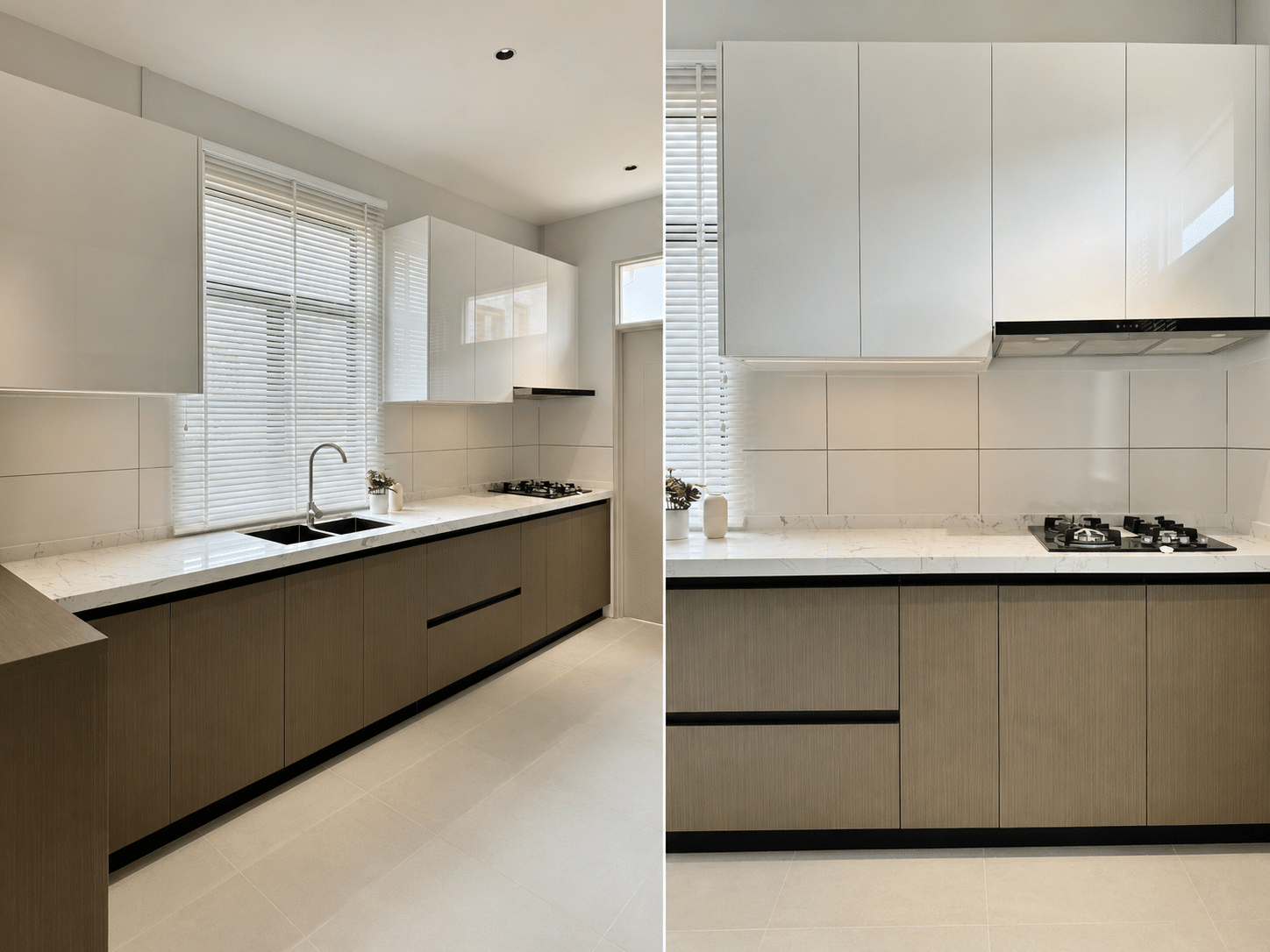
02Apartments & Renovations
03Hospitality & Commercial
04Interior Product Packages

How to Read the Portfolio

Compare Cases by Context, Not by Appearance Alone

Start with a comparable project type, then review its location, rooms and material categories. Use the case as a reference for your own requirements, not as a substitute for a project-specific specification.

01

Location

Check the project country and site context when comparing climate exposure, installation conditions and delivery requirements.

02

Project Type

Choose villa, apartment, renovation or commercial examples that match how your own spaces will be used.

03

Material Scope

Review the product categories included in the case, then list the openings, cabinetry, finishes and interiors your project needs.

04

Rooms & Product Details

Open the case and look for relevant room layouts, product applications, finishes and installation details.

Project Portfolio

Browse Published Building Material Project Cases

Use the filters to narrow the portfolio by project context. Each card links directly to its existing case page.
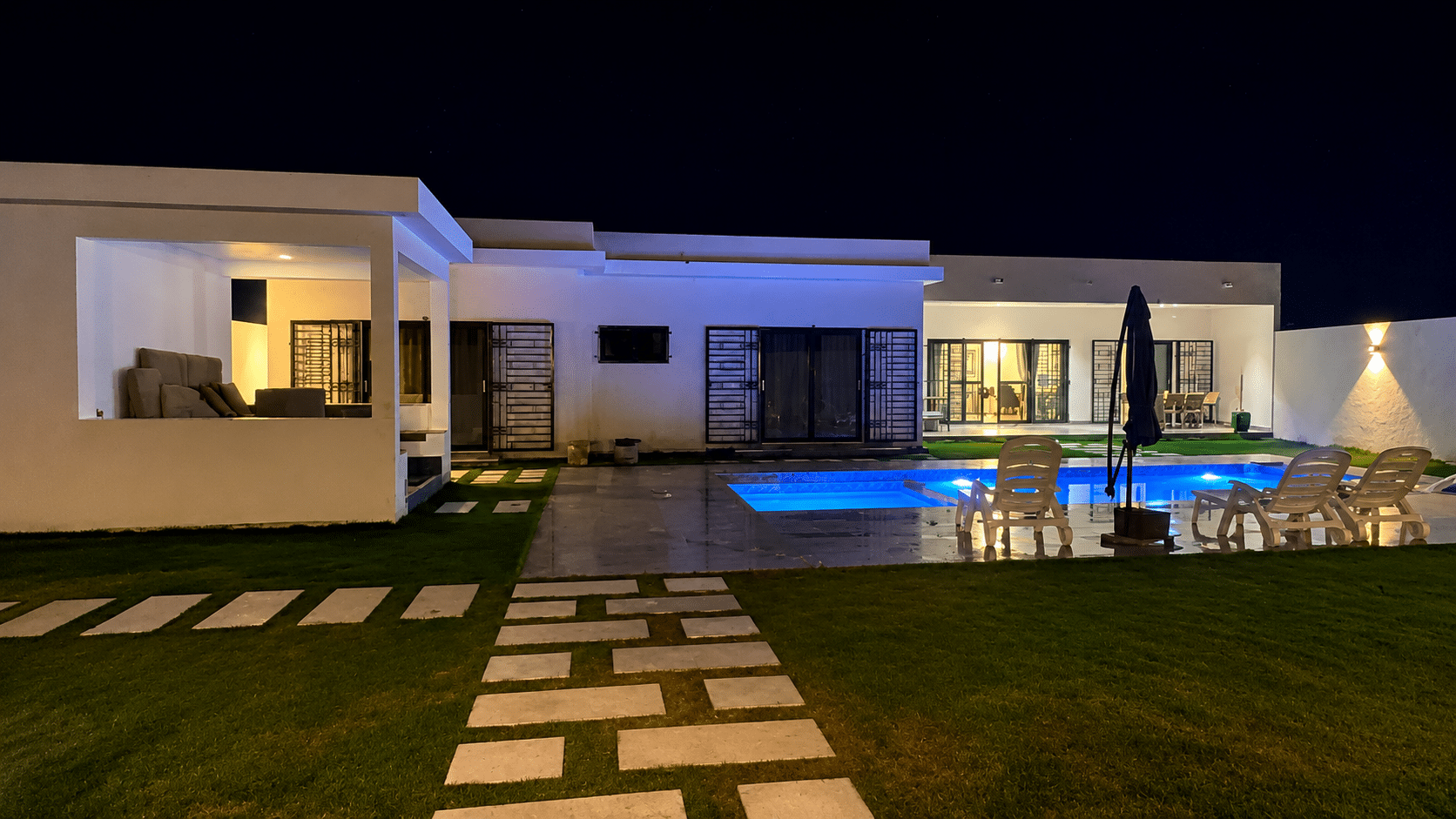
Loading published project cases…

Project Comparison

Check the Details Before Adapting a Case

Use a similar case to identify relevant products, then confirm the scope, dimensions, finishes and delivery conditions for your own project.

01

Scope Boundaries

Compare the listed material categories with your room and product schedule. Identify items your project needs to add, remove or coordinate with other suppliers.

02

Dimensions & Interfaces

Confirm opening sizes, room measurements, fixing conditions and connections between products before adapting a layout or requesting pricing.

03

Finishes & Product Information

Review finish references, materials and hardware options. Request product-specific samples, drawings and performance information where your project requires them.

04

Packing & Delivery

Confirm product quantities, packing references, delivery sequence and access requirements for your destination and site.

Start from a Relevant Case

Use Similar Project Context to Organize Your Own Requirements

A published case can provide a useful reference, but the products, dimensions, specifications and delivery plan for a new project must be confirmed independently.

01

Select a Similar Context

Choose a villa, apartment, renovation or commercial case with a comparable material scope.

02

Identify Relevant Categories

Note the products that may apply to your rooms, openings, finishes and interior package.

03

Send Available Project Files

Share your BOQ, drawings, schedules, reference images and project location where available.

04

Confirm a New Project Scope

Review specifications, quantities, interfaces and target delivery information for your own project.

Solutions by Responsibility

Continue with the Workflow Closest to Your Project Role

Different project roles need different records, approvals and coordination points. Use the relevant solution page to prepare the next step.

Project Development

Building Materials for Developers

Package scope, quotation comparison, procurement milestones and delivery planning.

Explore Developer Solutions
Design Coordination

Building Materials for Architects

Product selection, finish samples, shop drawings and material interface coordination.

Explore Architect Solutions
Site & Delivery

Building Materials for Contractors

Specifications, quantities, opening schedules, packing references and delivery sequencing.

Explore Contractor Solutions
Residential Projects

Whole House Material Solutions

Room-based product packages, coordinated finishes and clear approval milestones.

Explore Whole-House Solutions

Project Case FAQ

Questions Before Using a Case as a Reference

Use a relevant case to prepare your product list and the information needed for a project quotation.

How do I find the most relevant project case?

Start with project type, location and product categories. Open cases with similar rooms or material requirements, then note the differences in your own scope.

Can I request materials shown in a project case?

Send the case link and the product or room references you want to discuss, together with your drawings or quantities. Current availability, specifications, dimensions and finishes need confirmation for your project.

What information is needed for a quotation?

Send the case link, BOQ or product list, drawings, quantities, project location and target delivery information. Identify any details still undecided so they can be clarified during the scope review.

Can you price my project from a case photo?

A photo provides a useful style reference. Pricing also depends on product specifications, dimensions, materials, finishes, quantities and delivery requirements. Share the photo with your available project details to prepare a clearer quotation scope.

Can materials from different categories be coordinated?

Send one product schedule covering the relevant rooms and categories. The scope review can identify specifications, interfaces, samples and packing requirements that need coordination before quotation or ordering.

Start a Similar Project

Send Your BOQ, Drawings or Product List

Share the project information currently available. The submitted material can be reviewed to identify relevant product categories, specifications and missing decisions for the next quotation step.

BOQ or material schedule Architectural drawings Product reference images Project location and target delivery