
Electrical Access Coordination
Commercial Power Sockets for Hotels and Offices
Coordinate power sockets and charging modules around the destination standard, outlet type, voltage, service requirements, back boxes, mounting locations, furniture interfaces, finishes and exact model documentation.
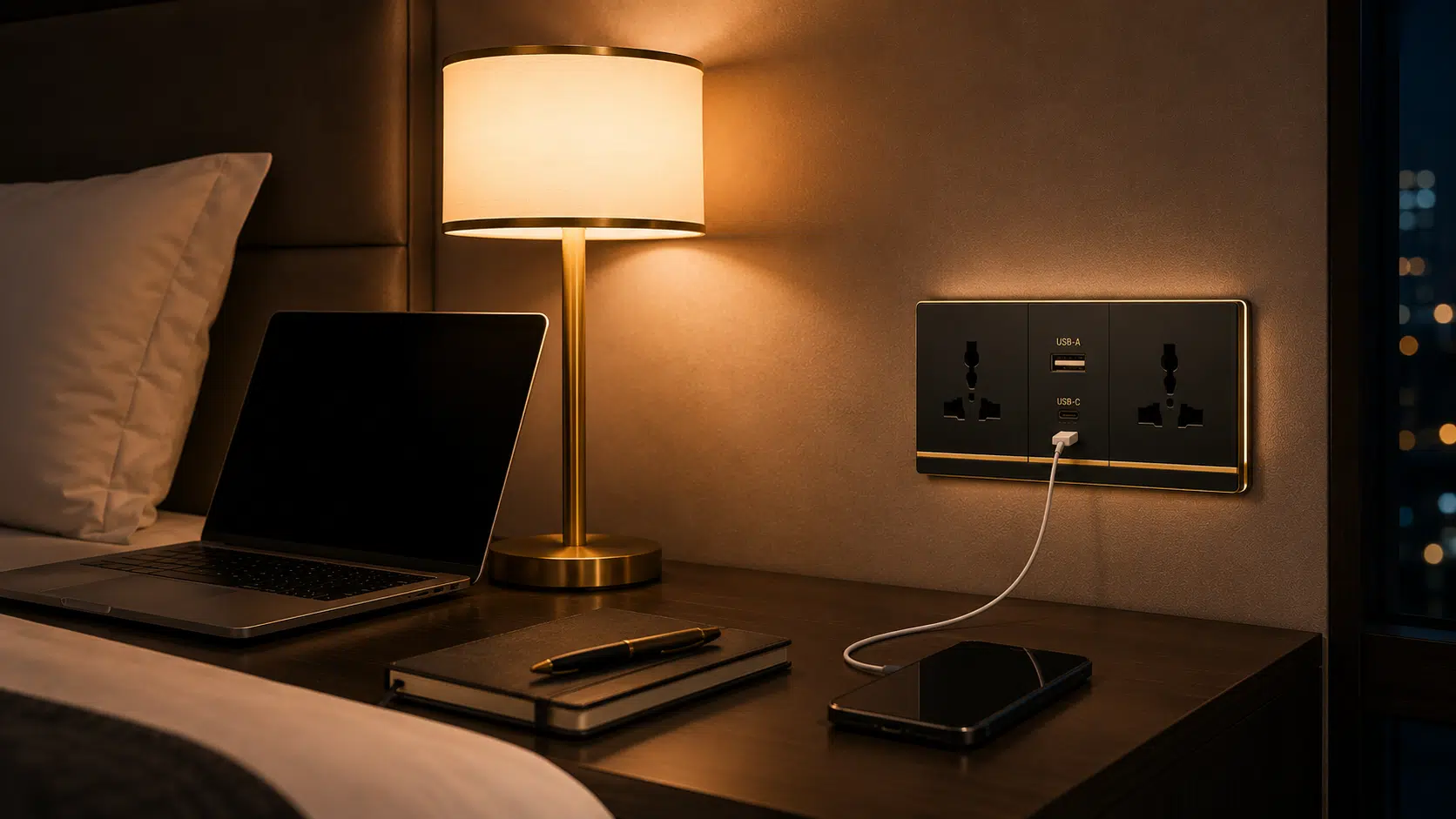
Product Options
Start With the Required Product Type
Each option follows a different selection, drawing, interface and documentation path. Confirm the relevant type before releasing detailed requirements.
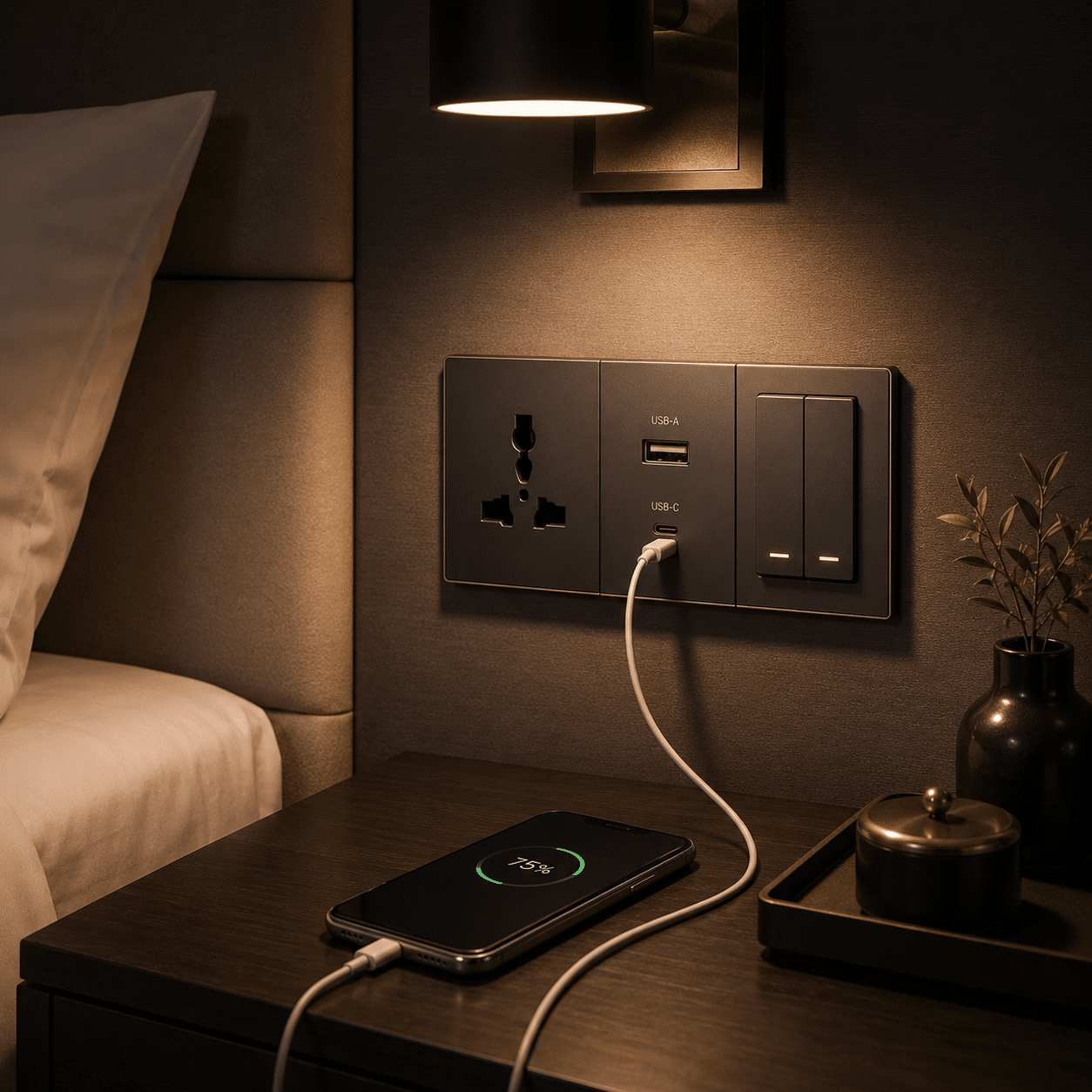
Charging Access
USB Power Sockets
Combined charging and outlet modules coordinated with the required connector and power information.
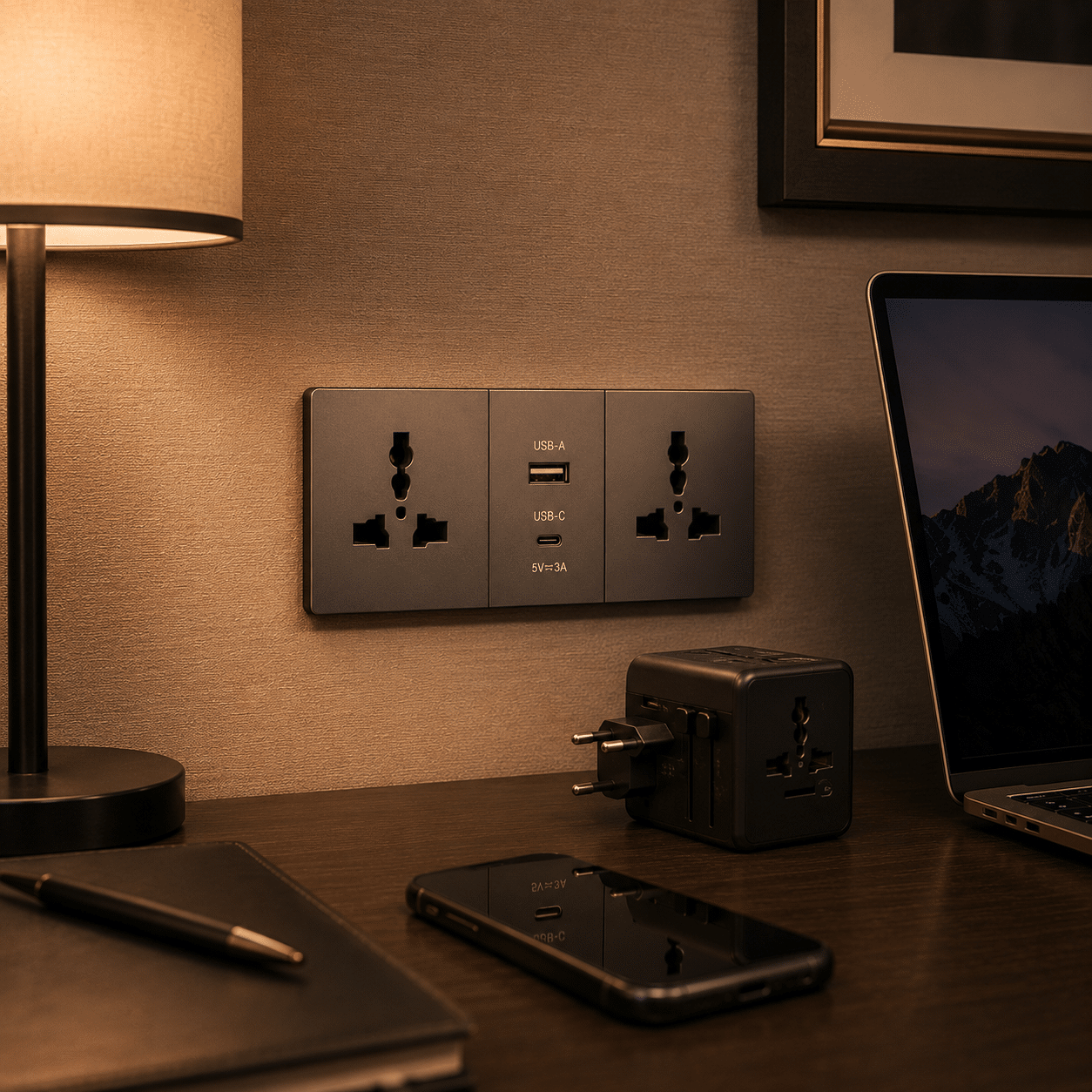
Project Standard
Country-Specific Outlets
Socket format selected for the destination project and applicable electrical requirements.
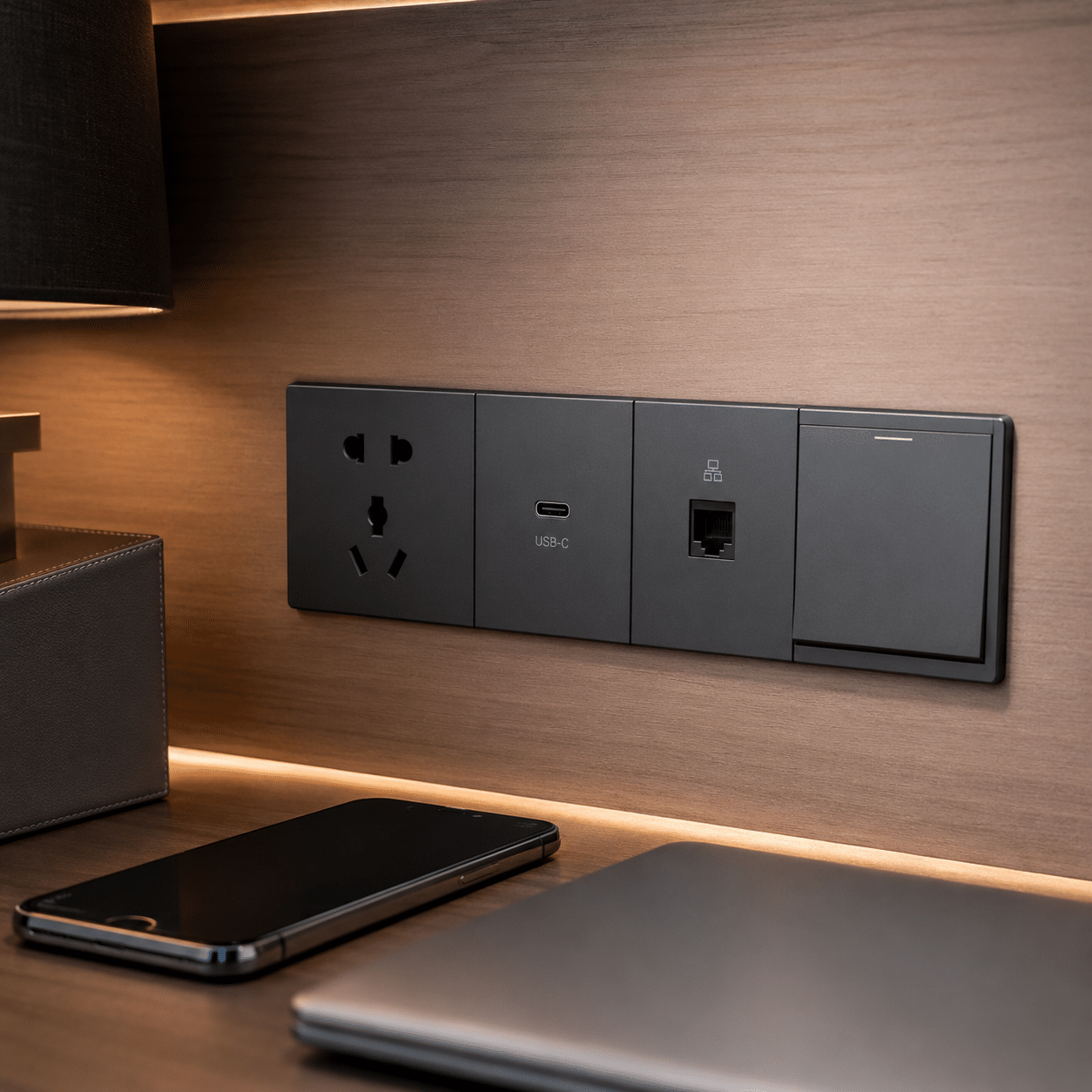
Integrated Services
Multi-Gang Panels
Power, charging and data modules arranged around the project service schedule.
Furniture Interface
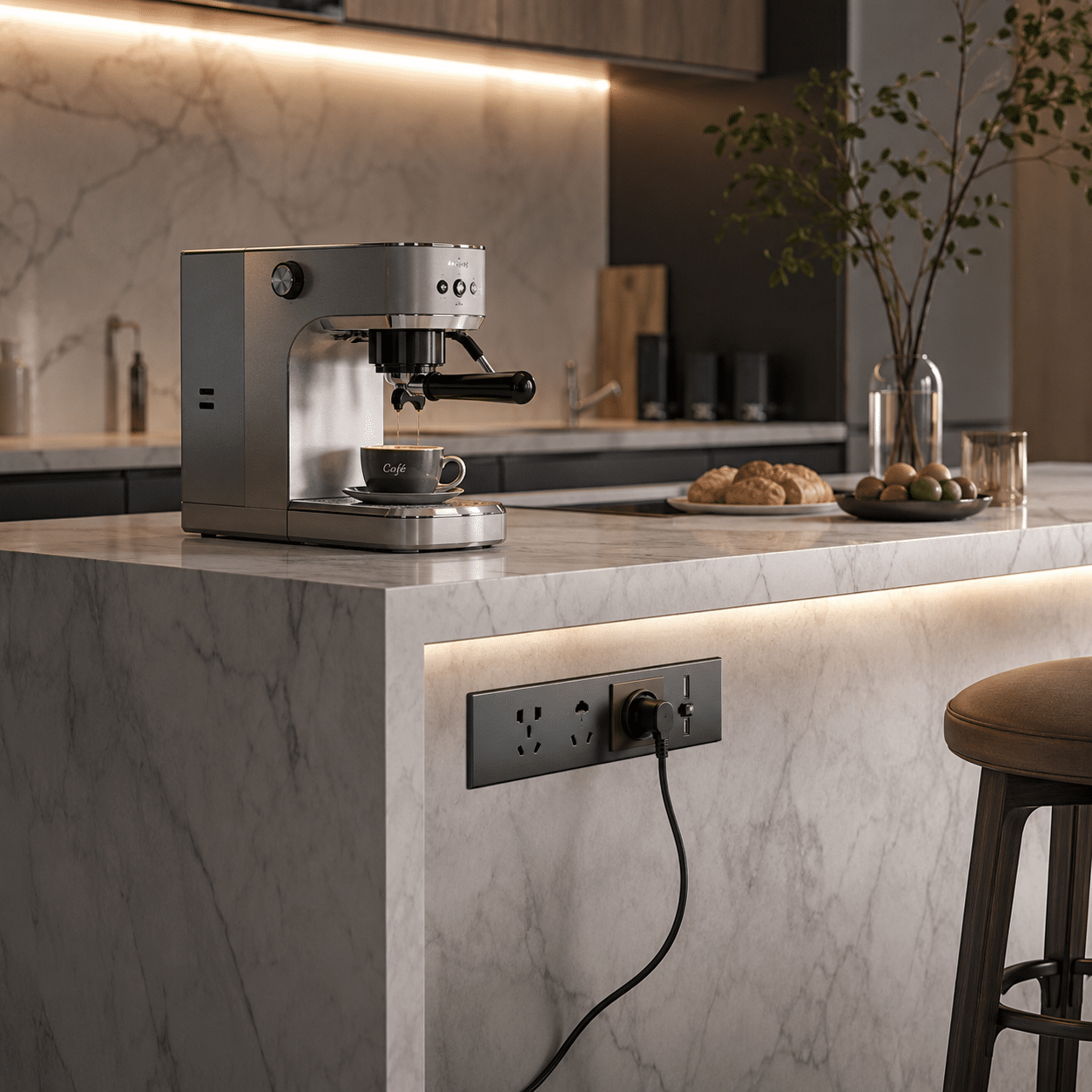
Countertop and Joinery Sockets
Integrated modules reviewed with cut-outs, clearances, cable routes and access.
Project Inputs
Organize Outlets by Room, Service and Destination Standard
A clear schedule connects every selection to its location, quantity, drawing reference and approval status.
Location
Record room, wall, desk, bedside or joinery position.
Outlet Requirement
Identify outlet standard, module type and quantity.
Service Interface
Confirm circuit, charging, data or other required service.
Installation Detail
Record back box, cut-out, depth, access and finish.
Technical Coordination
Check the Outlet, Back Box and Connected Service Together
Appearance alone is insufficient. Socket modules must match the project electrical requirement and fit the specified wall, furniture or countertop construction.
- Destination plug and outlet requirement
- Voltage, current and circuit information from the project
- Back-box size, mounting depth and orientation
- Cable route and service access
- Furniture or countertop cut-out coordination
Approval Boundaries
Do Not Treat One Socket as Universally Compatible
Outlet standards, charging output, protective features and compliance vary by exact model and destination. Confirm applicable documentation before specification.
Outlet Standard
Select the required destination configuration.
Charging Module
Confirm connector type and stated output for the exact module.
Protection Feature
Use shutters or other safety claims only when documented for the model.
Installation Requirement
Match the product to the electrical design and applicable local review.
Finish Approval
Coordinate Faceplates Across Switches and Interior Finishes
Approve material, color and module arrangement with adjacent devices and surrounding surfaces.
- Faceplate material, color and texture
- Module order and gang arrangement
- Alignment with switches and controls
- Wall, furniture or countertop edge condition
- Approved room and model reference
Project Records
Request Documentation for the Exact Socket Configuration
Documents should identify the exact proposed product, configuration, revision and applicable project area.
Model Datasheet
Outlet format, dimensions, electrical information and options.
Cut-Out or Back-Box Detail
Mounting size, depth and service-clearance information.
Installation Information
Wiring, mounting and product-specific use instructions.
Coordination Workflow
From Project Scope to Coordinated Delivery
Each stage should remain connected to the approved schedule, sample, drawing and product references.
Review Scope
Organize drawings, schedules, quantities, requirements and missing information.
Compare Options
Review suitable product families, configurations, finishes and commercial scope.
Coordinate Samples
Track physical samples, model references, comments and approved alternatives.
Resolve Details
Connect dimensions, interfaces, services and supporting information.
Follow Production
Keep production and inspection records connected to approved references.
Pack & Coordinate
Identify packages and align handling, loading and delivery information.
Inspection References
Check the Agreed Scope Before Packing
Inspection points should be defined for the selected product and linked to the current schedule, sample and drawing references.
Identity & Quantity
Confirm item code, selected model or material reference and scheduled quantity.
Dimensions & Configuration
Check agreed dimensions, arrangement, accessories and interface points.
Visible Appearance
Review finish, color, pattern or visible components against approved references.
Labels & Packing
Connect package and component labels to inspection and delivery records.
Related Product
Architectural Lighting Solutions
Continue the project review with this related product category.
View product →Related Product
Smart Switches
Continue the project review with this related product category.
View product →Related Product
LED Downlights
Continue the project review with this related product category.
View product →Frequently Asked Questions
Commercial Power Sockets for Hotels and Offices FAQ
Final products, standards, test requirements and service scope should be confirmed for the selected model, configuration and application.
What information is needed to quote power sockets?
Can power sockets be customized?
How are samples approved?
Can certifications or test reports be provided?
How are technical interfaces coordinated?
What is checked before packing?
Can several product categories be consolidated?
What should be confirmed before installation?
Start the Review
Send Your Outlet Schedule and Project Requirements
Share the available drawings, schedules, quantities, reference images, technical requirements and project location. The information can be reviewed before the next quotation step.